Smart Gear Select · Laptop Buying Guide

Best Laptops of 2026: Research-Based Picks for Work, Study and Gaming

A practical shortlist built from current manufacturer specifications, configuration value, portability, display quality, battery claims, upgrade limitations, software compatibility, and long-term usefulness.

Updated July 15, 2026 6 recommended models

Quick verdict

The MacBook Air M5 is our best overall choice for buyers who want a light, quiet laptop with strong battery life. The Dell XPS 13 is the compact premium Windows alternative, while the ThinkPad X1 Carbon Gen 13 is better suited to business travel and long typing sessions. Gamers should start with the ROG Zephyrus G14, and demanding creative professionals should consider the 16-inch MacBook Pro.

Important: Laptop names often cover several configurations. Always verify the exact processor, memory, storage, display, keyboard layout, warranty, and port selection before buying.

How we compare laptops

This page uses a research-based methodology. We do not present manufacturer claims as independent laboratory results. Battery figures are clearly labelled as manufacturer estimates, and real-world performance can vary by configuration and workload.

Performance fit

Whether the processor, graphics, memory, and cooling suit the intended workload.

Portability

Weight, battery expectations, charger size, durability, and travel convenience.

Daily experience

Display quality, keyboard, trackpad, webcam, speakers, ports, noise, and heat.

Value over time

Configuration price, warranty, repair options, storage limits, and likely useful life.

Best laptops of 2026 compared

Use this table to narrow the shortlist before reading the detailed recommendations.

Comparison of Smart Gear Select laptop recommendations for 2026
RankLaptopBest forProcessor platformBattery guidanceScore
#1Apple MacBook Air M5Students, office work, travel, and everyday creative tasksApple M5 with 10-core CPU; 8-core or 10-core GPUUp to 18 hours video streaming / 15 hours wireless web, according to Apple9.4/10
#2Dell XPS 13 (9350)Professionals who want a small, premium Windows machineIntel Core Ultra 5 226V or Core Ultra 7 256V/258V/268V, depending on configurationRuntime varies substantially by processor, display, brightness, and workload9.0/10
#3Lenovo ThinkPad X1 Carbon Gen 13 Aura EditionFrequent travelers, business users, writers, and enterprise teamsIntel Core Ultra Series 2; Core Ultra 7 258V is available on current configurationsDepends on display, power profile, connectivity, and workload9.2/10
#4ASUS ROG Zephyrus G14 (2026) GU405Gamers and creators who need dedicated graphics in a portable 14-inch designIntel Core Ultra 9 386H73Wh battery; gaming and GPU-heavy work materially reduce runtime9.1/10
#5Apple MacBook Pro 16-inch with M5 Pro or M5 MaxVideo editors, developers, designers, and other performance-focused professionalsApple M5 Pro or M5 Max; M5 Pro starts with an 18-core CPU and 20-core GPUM5 Pro: up to 24 hours video streaming / 17 hours wireless web, according to Apple9.3/10
#6Acer Swift Go 14 AI (SFG14-I71 / I71T)Students and professionals who want modern specifications without premium-brand pricingUp to Intel Core Ultra X9 388H with Intel Arc B390 graphicsVaries by processor, display, battery configuration, and regional SKU8.9/10

Detailed laptop recommendations

Each recommendation explains who the laptop suits, where it performs well, and the compromises to consider.

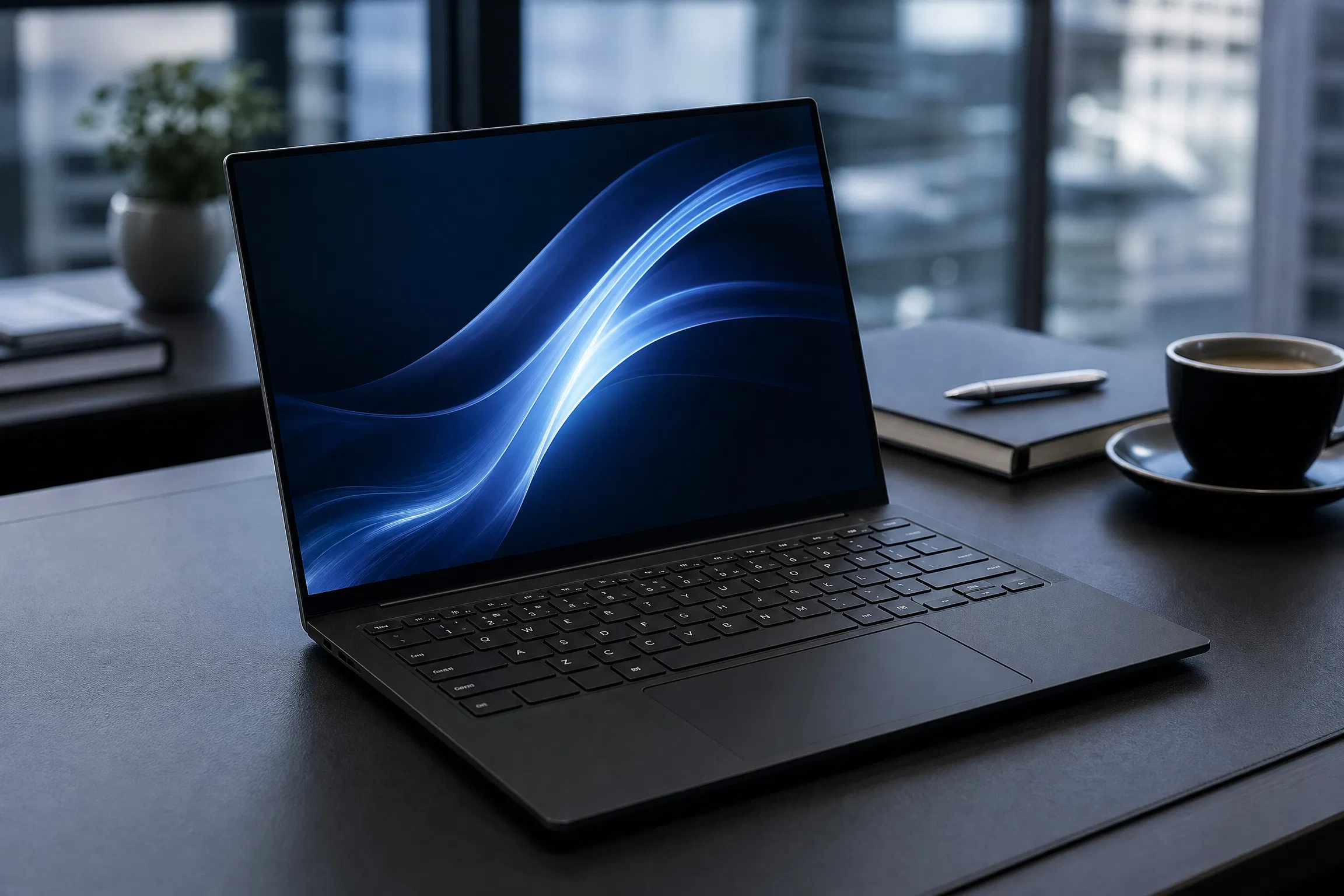
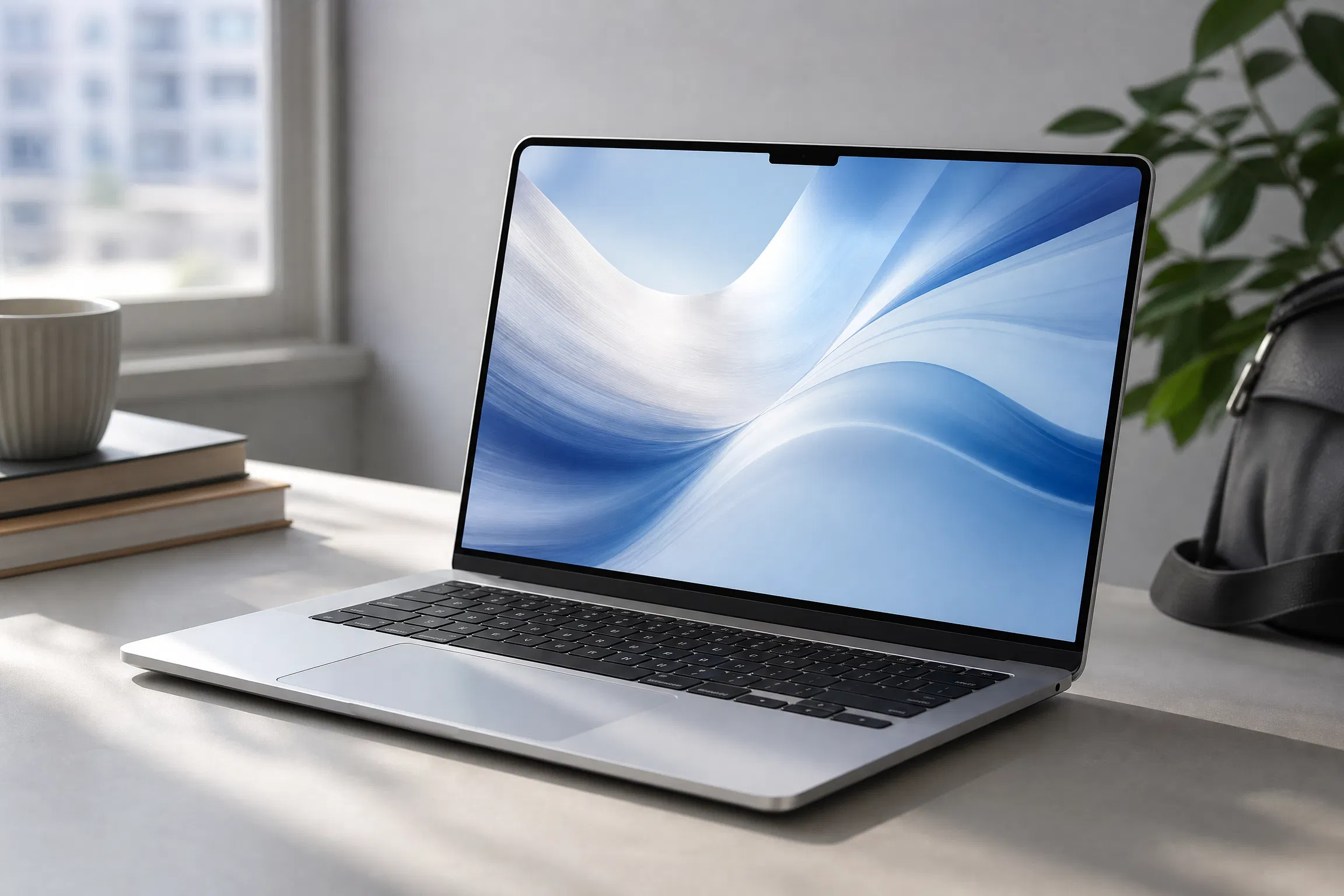
Apple MacBook Air M5 laptop
Rank #1

Apple MacBook Air M5

Best overall for most buyers

The 13-inch MacBook Air M5 is the easiest recommendation for buyers who value low weight, silent fanless operation, long manufacturer-rated battery life, and a polished everyday experience. The base model now starts with 16GB of unified memory and a 512GB SSD. It is not the right choice for demanding Windows-only software or buyers who want a dedicated gaming GPU.

ProcessorApple M5 with 10-core CPU; 8-core or 10-core GPU
Memory16GB unified memory; configurable to 24GB or 32GB
Storage512GB SSD; configurable to 1TB, 2TB, or 4TB
Display13.6-inch Liquid Retina, 2560 × 1664, 500 nits
BatteryUp to 18 hours video streaming / 15 hours wireless web, according to Apple
Weight class2.7 lb / 1.23 kg

Reasons to buy

  • Lightweight, silent fanless design
  • 512GB base storage and 16GB unified memory
  • Long manufacturer-rated battery life and strong portability

Reasons to pause

  • Limited physical port selection
  • Memory and storage are not user-upgradeable after purchase
  • Not suited to buyers who need native Windows gaming support
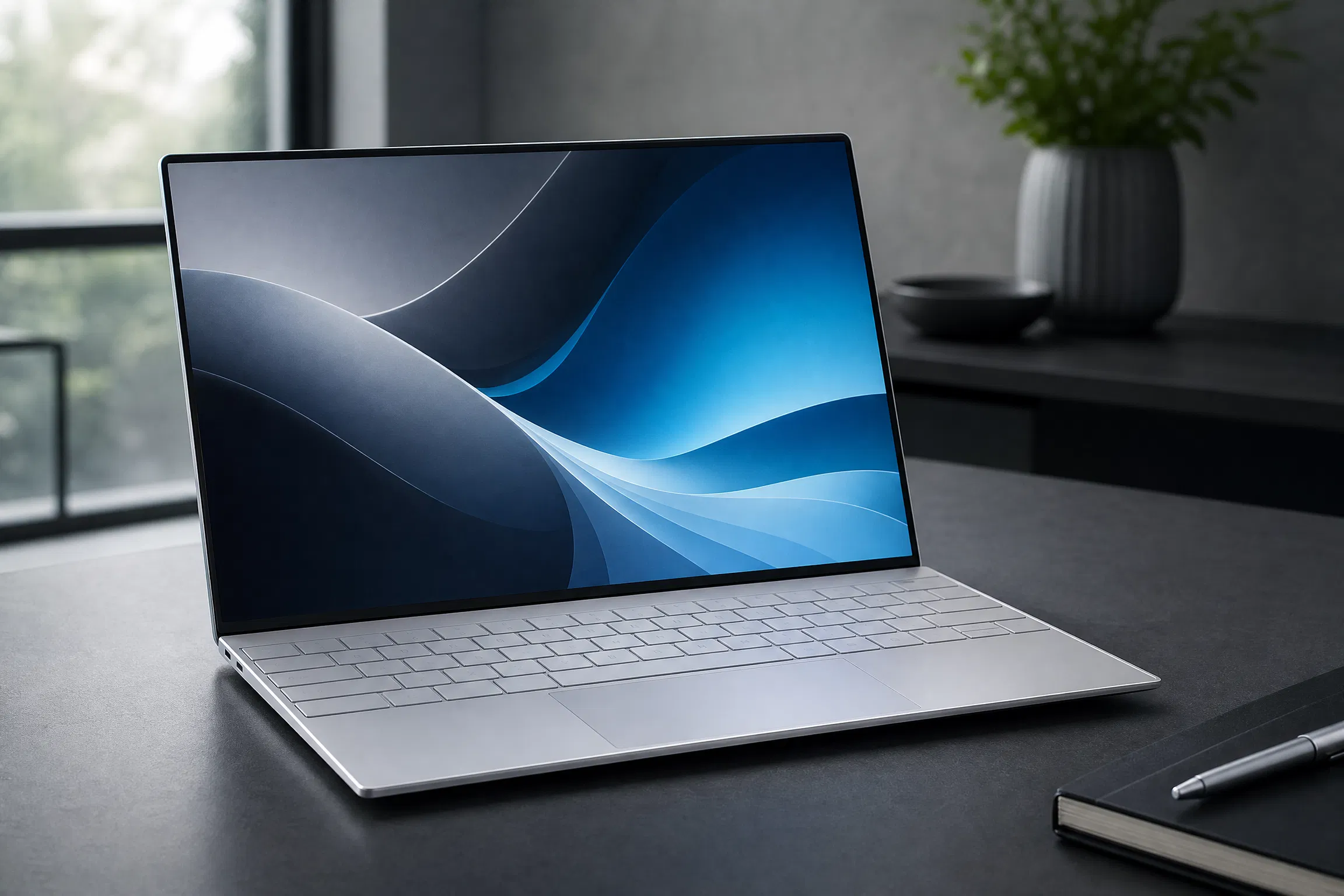
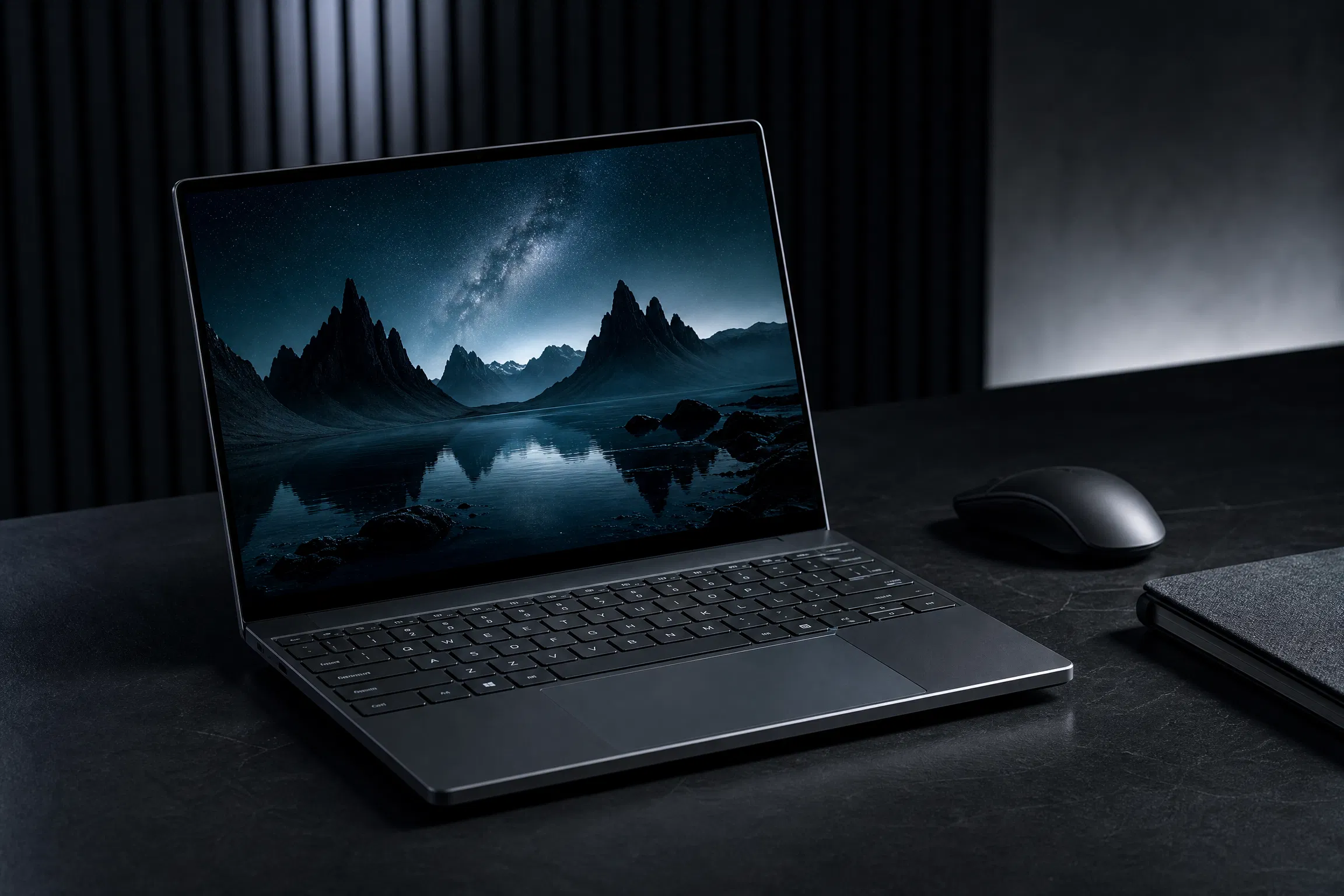
Dell XPS 13 (9350) laptop
Rank #2

Dell XPS 13 (9350)

Best premium compact Windows laptop

The XPS 13 (9350) remains a strong premium Windows option for buyers who value compact dimensions, an understated aluminum design, and modern Intel Core Ultra configurations. Dell sells materially different display, memory, and processor combinations, so the exact SKU matters more than the XPS 13 name alone.

ProcessorIntel Core Ultra 5 226V or Core Ultra 7 256V/258V/268V, depending on configuration
Memory16GB or 32GB LPDDR5X, depending on configuration
StorageSSD capacity varies by configuration; 1TB options are widely offered
Display13.4-inch display with 2K, higher-resolution touch, and OLED options depending on configuration
BatteryRuntime varies substantially by processor, display, brightness, and workload
Weight classThin-and-light 13-inch class

Reasons to buy

  • Compact premium chassis
  • Modern Core Ultra configurations with efficient integrated graphics
  • Good fit for travel and professional use

Reasons to pause

  • Limited physical ports on current configurations
  • Premium pricing compared with many similarly specified Windows laptops
  • Battery life can change materially with display and processor choice
Lenovo ThinkPad X1 Carbon Gen 13 Aura Edition laptop
Rank #3

Lenovo ThinkPad X1 Carbon Gen 13 Aura Edition

Best business laptop

The ThinkPad X1 Carbon Gen 13 Aura Edition is aimed at people who spend long hours typing, traveling, and working across business environments. Its low weight, established keyboard layout, security options, and enterprise focus make it more practical than flashy, while configuration differences still need careful checking before purchase.

ProcessorIntel Core Ultra Series 2; Core Ultra 7 258V is available on current configurations
MemoryConfiguration-dependent LPDDR5X memory; 32GB configurations are available
StoragePCIe NVMe SSD options; verify the exact retailer configuration
Display14-inch business-focused display options, including OLED on selected configurations
BatteryDepends on display, power profile, connectivity, and workload
Weight classUltralight 14-inch business-laptop class

Reasons to buy

  • Excellent business-focused keyboard and ergonomics
  • Very light for a 14-inch productivity laptop
  • Strong security and enterprise-management options

Reasons to pause

  • Premium purchase price
  • Integrated graphics are not intended for demanding gaming or 3D workloads
  • Retailer configurations can vary in memory, storage, and display
ASUS ROG Zephyrus G14 (2026) GU405 laptop
Rank #4

ASUS ROG Zephyrus G14 (2026) GU405

Best compact gaming laptop

The 2026 Zephyrus G14 GU405 combines an Intel Core Ultra 9 386H processor, a 3K 120Hz OLED display, and up to GeForce RTX 5070 Ti graphics in a 0.72-inch chassis. It is unusually portable for its performance class, but buyers should still expect higher fan activity, heat, and power consumption during demanding gaming or creative workloads.

ProcessorIntel Core Ultra 9 386H
MemoryUp to 64GB LPDDR5X-8533, soldered, depending on configuration
StoragePCIe 4.0 NVMe SSD; user-replaceable M.2 2280 drive
Display14-inch 3K OLED, 120Hz, up to 1100 nits peak brightness
Battery73Wh battery; gaming and GPU-heavy work materially reduce runtime
Weight classAbout 3.48 lb / 1.58 kg

Reasons to buy

  • Powerful dedicated graphics in a compact chassis
  • 3K 120Hz OLED display with strong published HDR specifications
  • Good crossover option for gaming, development, and creative work

Reasons to pause

  • Expensive at higher GPU configurations
  • RAM is soldered and cannot be upgraded later
  • Gaming on battery significantly reduces runtime and performance
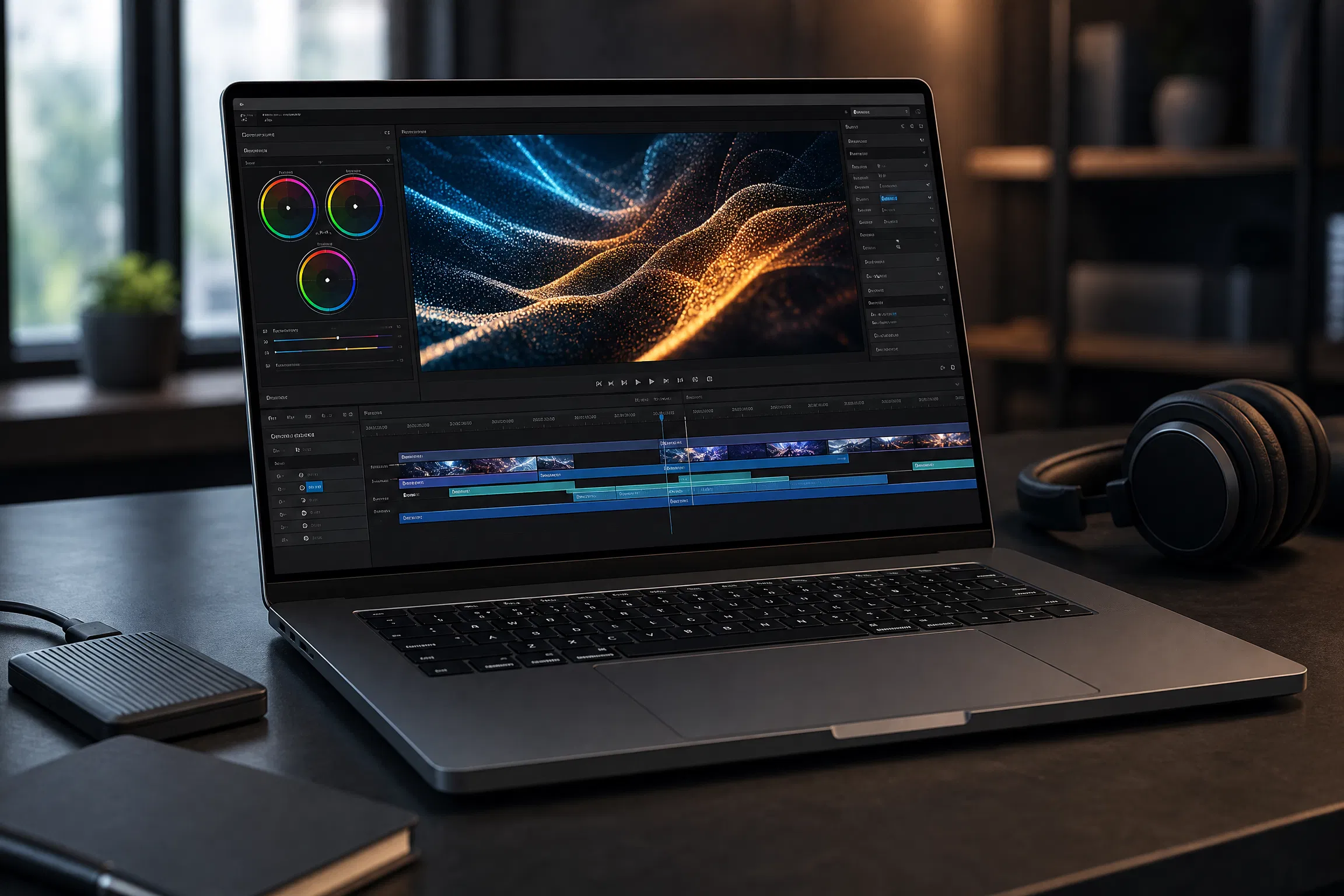
Apple MacBook Pro 16-inch with M5 Pro or M5 Max laptop
Rank #5

Apple MacBook Pro 16-inch with M5 Pro or M5 Max

Best for demanding professional workloads

The 16-inch MacBook Pro is the strongest fit for professionals who can use its sustained performance, large Liquid Retina XDR display, long manufacturer-rated battery life, and broad port selection. The M5 Pro configuration is the sensible starting point for many professional workflows; M5 Max is intended for buyers with unusually demanding GPU, media, or AI workloads.

ProcessorApple M5 Pro or M5 Max; M5 Pro starts with an 18-core CPU and 20-core GPU
Memory24GB unified memory on the M5 Pro base configuration; higher options available
Storage1TB SSD on the M5 Pro base configuration; higher capacities available
Display16.2-inch Liquid Retina XDR, 3456 × 2234, ProMotion up to 120Hz
BatteryM5 Pro: up to 24 hours video streaming / 17 hours wireless web, according to Apple
Weight classDesktop-replacement professional-laptop class

Reasons to buy

  • High sustained CPU, GPU, and media performance
  • Large 16.2-inch XDR display with ProMotion up to 120Hz
  • Long manufacturer-rated battery life and useful professional ports

Reasons to pause

  • High purchase price
  • Heavier and less convenient for frequent travel than thin-and-light models
  • Unnecessary for basic browsing, office work, and light study workloads
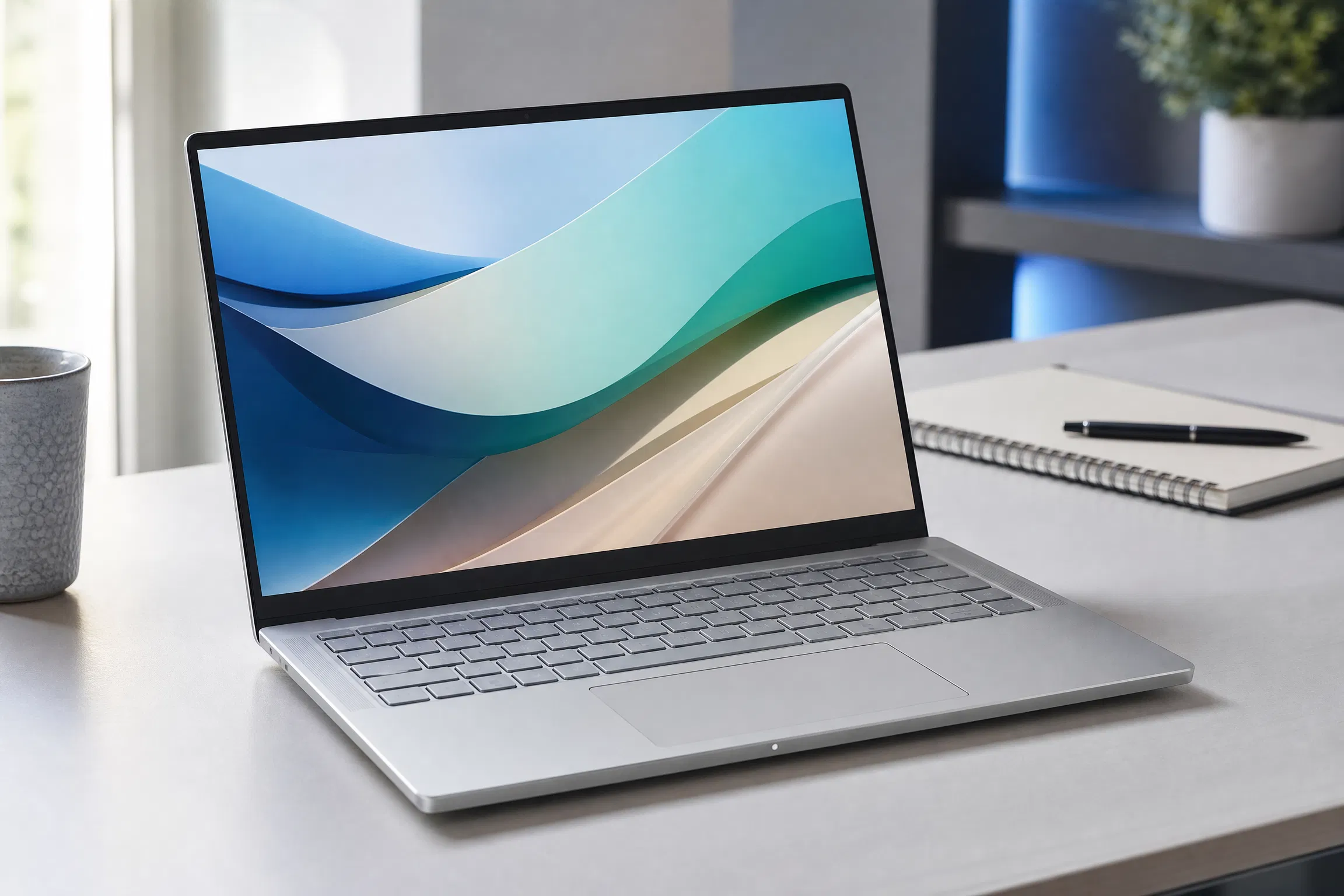
Acer Swift Go 14 AI (SFG14-I71 / I71T) laptop
Rank #6

Acer Swift Go 14 AI (SFG14-I71 / I71T)

Best value thin-and-light Windows option

The 2026 Swift Go 14 AI SFG14-I71/I71T is a strong value candidate when the exact configuration pairs enough memory with the display and processor you actually need. Acer offers multiple screen and processor variants, so buyers should compare the complete model code rather than relying only on the Swift Go 14 AI family name.

ProcessorUp to Intel Core Ultra X9 388H with Intel Arc B390 graphics
MemoryUp to 32GB LPDDR5X
StorageUp to 1TB M.2 SSD on the announced 2026 configurations
Display14-inch 2K or up to 3K OLED options, with touch on selected configurations
BatteryVaries by processor, display, battery configuration, and regional SKU
Weight classThin-and-light class; Acer lists the family from about 1.12 kg

Reasons to buy

  • Current Intel Core Ultra Series 3 platform options
  • OLED display options up to 3K and 120Hz
  • Useful connectivity including Thunderbolt 4, USB-A, HDMI 2.1, and Wi-Fi 7

Reasons to pause

  • Multiple regional configurations can make comparison confusing
  • Exact battery life and display quality depend on the selected SKU
  • Build and support experience can vary by market compared with premium business lines

Laptop buying advice for 2026

Choose at least 16GB of memory

For a new everyday laptop, 16GB is the practical baseline. Choose more for video editing, development, virtual machines, or demanding games.

Check the exact display

One model name may include basic IPS, high-resolution OLED, touch, and high-refresh options. The display affects price, battery life, and image quality.

Do not ignore ports

Confirm whether you need HDMI, USB-A, an SD card slot, Ethernet, or multiple external displays before relying on adapters.

Match graphics to your workload

Integrated graphics are suitable for office work and light creative tasks. Modern gaming, 3D work, and some AI workloads benefit from dedicated graphics.

Compare warranties

International warranty coverage, accidental-damage plans, repair access, and local support can matter more than a small specification advantage.

Verify retailer listings carefully

Retailers sometimes reuse product names across older and newer models. Check the processor code, model number, memory, storage, and keyboard layout.

Frequently asked questions

How much memory should a laptop have in 2026?

For a new general-purpose laptop, 16GB is the sensible baseline for multitasking and longer useful life. Buyers working with large creative projects, virtual machines, software development, or modern games should consider 24GB or 32GB where the budget allows.

Is a MacBook or Windows laptop the better choice?

Choose based on the software and devices you already use. MacBooks are strong for battery life, build quality, and Apple ecosystem integration. Windows laptops offer wider hardware choice, broader gaming support, touch and convertible options, and easier access to specialized business software.

Should I buy an OLED laptop display?

OLED displays deliver excellent contrast and color, but they can cost more and may reduce battery life compared with efficient IPS panels. They are especially attractive for media viewing and creative work, while office users may prefer a lower-power display.

How much storage is enough for a laptop?

A 512GB SSD is the most practical starting point for many buyers. A 256GB drive can work for cloud-focused use, while 1TB or more is preferable for games, video projects, large photo libraries, or offline media.

When is the best time to buy a laptop?

Major retail events, back-to-school periods, and the weeks after a manufacturer launches a replacement model often bring useful discounts. Compare the exact configuration and warranty rather than judging the deal only by the percentage discount.

Arif Bukera

About the author

Arif Bukera is Founder and Tech Lead at Smart Gear Select. He oversees product research, comparison criteria, site publishing, and the ongoing review of buying guides.

Prices, configurations, availability, and manufacturer claims can change. Confirm the exact model with the retailer or manufacturer before purchasing.

Scroll to Top