
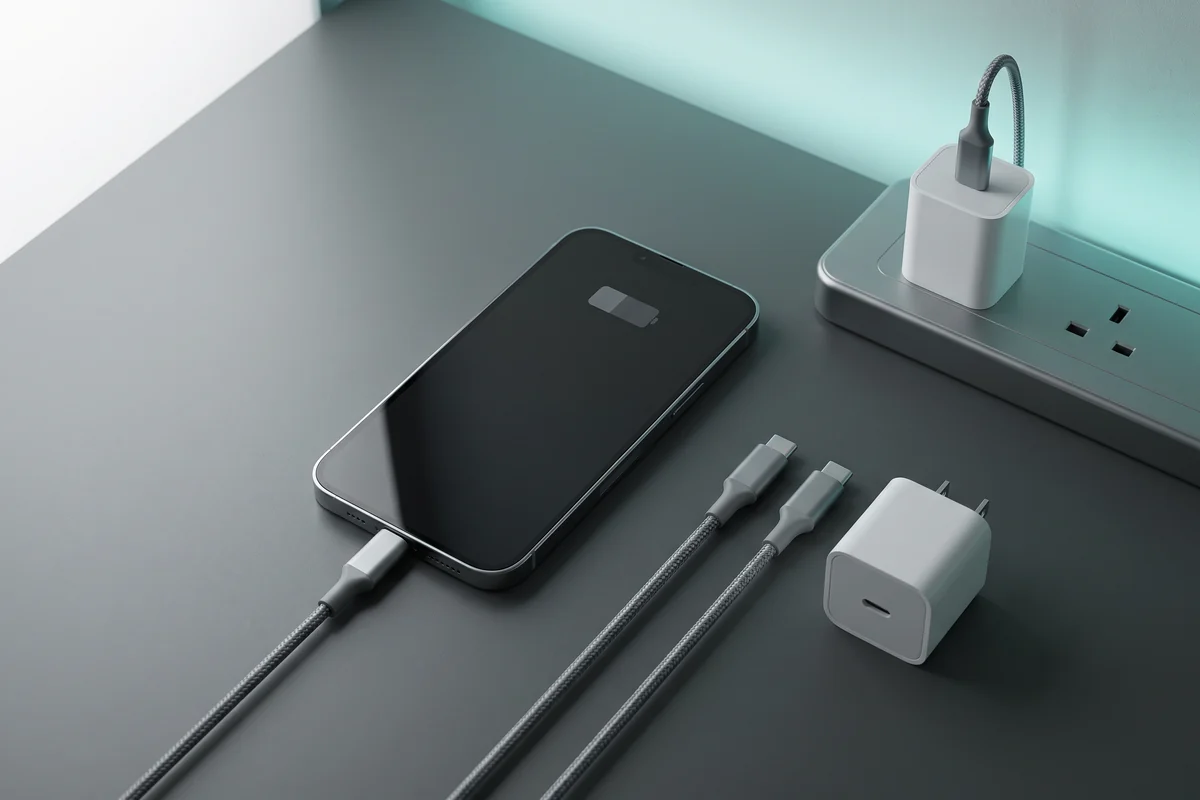
If your phone suddenly starts charging much more slowly than usual, the cause is often somewhere in the charging chain: the cable, power adapter, charging port, temperature, phone settings or the power source itself.
Start with the simple checks before assuming the battery or phone needs repair. The goal is to isolate one variable at a time and identify where charging performance changes.
30-Second Slow-Charging Checklist
Try these four checks first:
✓ Try a compatible wall charger
✓ Restart the phone
✓ Let the phone cool down
If charging is still unusually slow, continue through the diagnostic steps below.
Jump to a Section
I. Quick Hardware Checks
1. Try a Different Charging Cable
A damaged, worn or incompatible cable can prevent a phone from reaching its expected charging rate even when the charger itself is working normally.
- Try a cable you already know charges another compatible device correctly.
- Check the connectors for obvious damage, looseness or exposed wiring.
- For USB-C fast charging, use a cable designed for the power level and charging standard required by your device.
Change only the cable first. If charging returns to normal, you have isolated the likely bottleneck without replacing unnecessary hardware.
2. Try a Compatible Wall Charger
The charger must support a charging standard and power profile your phone can actually use. A low-power adapter can charge a modern phone safely but may do so much more slowly than a compatible fast charger.
USB-C phones increasingly use USB Power Delivery, while some manufacturers also require specific profiles such as PPS or proprietary charging technologies to reach their highest supported rates.
Buying a higher-wattage charger does not automatically force that wattage into your phone. Charging power is negotiated between the device, charger and cable, and the phone draws only a supported charging profile.
3. Test a Different Power Source
The problem can sometimes be upstream from the phone.
- Try another known-good wall outlet.
- Connect the charger directly to the outlet for testing.
- Avoid diagnosing fast charging through an unknown or low-output computer USB port.
- If you use an extension or power strip, temporarily remove it from the test.
4. Inspect the Charging Port
Dust, lint or debris in the charging port can prevent the connector from seating properly.
- Disconnect the charger.
- Power the phone off before closely inspecting the port.
- Look for visible lint, debris, moisture or physical damage.
- Make sure the charging connector seats normally and is not unusually loose.
push metal objects, liquids or improvised cleaning chemicals into the charging port. If debris is tightly packed or the port appears damaged, professional cleaning or service is safer than forcing tools into the connector.
II. Battery Settings & Software
5. Check Whether a Battery-Protection Feature Is Limiting Charging
If your phone repeatedly pauses charging around a certain battery percentage, that may be intentional rather than a charging fault.
Modern phones can use optimized charging, adaptive charging or configurable charge limits to reduce the amount of time a battery remains fully charged.
For example, supported iPhones can use Optimized Battery Charging or a user-selected charge limit, while supported Samsung Galaxy devices provide Battery Protection options with configurable maximum charge levels.
Check your phone’s Battery settings before troubleshooting the charger. Do not permanently disable a battery-protection feature simply because charging pauses at its configured limit.
6. Restart the Phone
A restart can clear a temporary software problem or unusually high background activity that is consuming power while the phone is plugged in.
- Restart the phone normally.
- Reconnect the known-good charger and cable.
- Leave the screen off for several minutes.
- Check whether the phone now reports normal or fast charging.
7. Reduce Power Use While Charging
A phone can be receiving power normally while the battery percentage rises slowly because the device is consuming a substantial amount of that power at the same time.
During diagnosis:
- Turn the screen off.
- Pause gaming, navigation and other demanding applications.
- Check the phone’s battery-usage screen for unusually high background activity.
- Temporarily stop tasks that are causing significant heat.
Airplane Mode can reduce some radio activity, but it is not a substitute for identifying an incompatible charger, damaged cable or hardware problem.
III. Charger & Cable Compatibility
8. Match the Charger to Your Phone’s Supported Charging Standard
The charger’s headline wattage is only one part of compatibility. Your phone must also support the relevant voltage/current profile or charging protocol.
| Charging setup | What to know |
|---|---|
| Older USB-A charger | Can be perfectly usable for basic charging but may not provide the fast-charging profile supported by a newer phone. |
| USB-C Power Delivery | Widely used for modern phones, tablets and laptops. The device and charger negotiate an appropriate supported power level. |
| USB PD with PPS | Used by some devices to support more flexible voltage control and specific fast-charging implementations. |
| Manufacturer-specific fast charging | Some phones require a particular compatible charger and cable to achieve their advertised maximum charging performance. |
Always check the charging specifications for your exact phone model rather than assuming every USB-C charger will produce the same speed.
9. Make Sure the Cable Supports the Required Power
A suitable charger can still be limited by the cable connected to it.
- Use a reputable cable designed for the charging power you need.
- Do not assume all USB-C cables have identical power capability.
- Replace visibly damaged or unreliable cables.
- For higher-power USB-C charging, use appropriately rated cables from reputable manufacturers.
IV. Heat & Charging Conditions
10. Let an Overheated Phone Cool Down
Phones can reduce or pause charging when temperature rises beyond the range considered appropriate for normal battery charging.
If the phone feels unusually hot:
- Stop gaming or other demanding tasks.
- Move the phone away from direct sunlight or another heat source.
- Place it in a cooler, well-ventilated location.
- If the case is trapping noticeable heat, temporarily remove it while the phone cools.
- Keep the screen off while testing charging.
11. Check for Software Updates and Manufacturer Diagnostics
If the cable, charger, port and temperature all appear normal, check for pending system updates and use any built-in battery or device diagnostics provided by your phone manufacturer.
On supported Android devices, Safe Mode can also be useful as a diagnostic test because it can help determine whether third-party software is contributing to unusually high power consumption.
Do not factory-reset your phone as an early charging troubleshooting step. Back up important data and exhaust the simpler checks first.
V. When to Stop Troubleshooting
12. Seek Professional Service When There Are Signs of Hardware Damage
Slow charging does not always mean the battery is failing, but some symptoms justify stopping home troubleshooting.
Disconnect the phone and seek qualified service if you notice:
- Battery swelling or the display/back cover lifting away from the chassis.
- A burning or unusual chemical smell.
- Visible scorching or melting around the charger, cable or port.
- Liquid/moisture warnings that do not clear after following the manufacturer’s guidance.
- A physically damaged charging port.
- Severe or abnormal heat during ordinary charging.
Use an authorized or otherwise qualified repair provider, particularly when battery damage is suspected.
What If Wireless Charging Is Slow?
Wireless charging has additional variables that do not apply to wired charging.
- Make sure the phone is correctly aligned with the charging coil.
- Use a wireless charger compatible with your exact device.
- Remove objects between the phone and charger.
- Check whether a thick or incompatible case is interfering with charging.
- Allow the phone to cool if temperature is high.
- Keep the screen off during testing.
Fast Charger Options to Compare
Before buying a replacement charger, check the maximum charging standard supported by your exact phone. A 65W or 100W charger can be useful for charging several devices or a laptop, but a phone will not automatically charge at the charger’s maximum advertised wattage.
Anker 735 Charger — 65W
A three-port GaN charger with two USB-C ports and one USB-A port. Its 65W total output makes it useful for buyers who want one compact charger for phones and compatible laptops.
Baseus 100W GaN Chargers
Baseus offers 100W multi-port GaN charging options aimed at users who want one charger for phones, tablets and compatible USB-C laptops. Check the exact model, ports and power-distribution specifications before purchasing.
UGREEN Nexode 65W
UGREEN’s Nexode 65W range includes multi-port GaN options suitable for users who want a compact charger for phones, tablets and compatible USB-C laptops.
Samsung 45W Power Adapter
A sensible option for compatible Samsung Galaxy devices when you want a first-party charger. Check that your exact Galaxy model supports the charging mode you expect.
How to Choose a Replacement Charger
-
Phone only:
start with the charging standard and maximum useful input supported by the exact phone. -
Samsung Galaxy:
check whether your model requires USB PD PPS for its supported Super Fast Charging mode. -
Phone + laptop:
a quality multi-port 65W–100W charger may reduce the number of adapters you need. -
Multiple devices:
check how the charger divides power when more than one port is occupied. -
Kenya/import purchase:
check plug compatibility, warranty, seller reputation and the exact regional model before ordering.
More Smartphone Buying Advice
If slow charging is one reason you are considering replacing your phone, compare the repair cost and battery condition before buying a new device unnecessarily. For current phone reviews and buying guides, visit our
Smartphones hub
.
Frequently Asked Questions
Is slow charging bad for my battery?
Not necessarily. Charging slowly is not itself proof of battery damage. What matters is whether the behavior is expected for the charger and phone being used or whether charging has become abnormally slow because of a damaged cable, incompatible charger, excessive heat, port problem or battery fault.
Why does my phone stop charging at 80%?
It may be an intentional battery-protection feature. Supported phones can pause or limit charging around a configured level to reduce prolonged time at a very high state of charge. Check the Battery settings for your exact device before assuming there is a fault.
Will a 100W charger make my phone charge at 100W?
No. The phone, charger and cable negotiate a supported charging mode. A charger capable of 100W does not mean every connected phone will draw 100W.
Can a software update fix slow charging?
Sometimes. Software can influence battery management, background power use and charging behavior, so keeping the operating system current is a reasonable troubleshooting step. It will not fix a physically damaged cable, port, charger or battery.
Should I drain the battery to 0% to recalibrate it?
Do not make repeated full discharge-and-recharge cycles a routine slow-charging fix. Modern phones manage battery reporting electronically, and cable, charger, temperature, software and hardware checks should come first.
Bottom Line
When a phone charges slowly, start by testing the cable and charger, checking the charging port, confirming that battery-protection settings are not intentionally limiting charging, and allowing an overheated phone to cool. Match the charger and cable to the charging standard supported by your exact device. If you see swelling, physical damage, burning smells or severe abnormal heat, stop troubleshooting and seek qualified service.
Sources & Technical References
Smart Gear Select uses manufacturer and standards-body documentation for the core charging and battery guidance in this article.
-
Apple — Charge Limit and Optimized Battery Charging
-
Apple — Troubleshooting an iPhone that will not charge
-
Google — Fix a Pixel phone that will not charge or turn on
-
Google — Troubleshoot slow wireless charging on Pixel
-
Samsung — Galaxy battery protection guidance
-
USB Implementers Forum — USB Power Delivery
-
Anker — Anker 735 Charger specifications
-
UGREEN — Nexode 65W charger information
-
Samsung — 45W Power Adapter